Integrations / Done for you
Autotask AI call handling for MSPs
Quick summary
Next Gen Calls builds your AI call intake and connects it with your Autotask workflow. Autotask is a verified integration; we confirm the specific supported actions for your account before launch. The agent collects the issue details your team needs and can warm-transfer a caller with a private briefing.
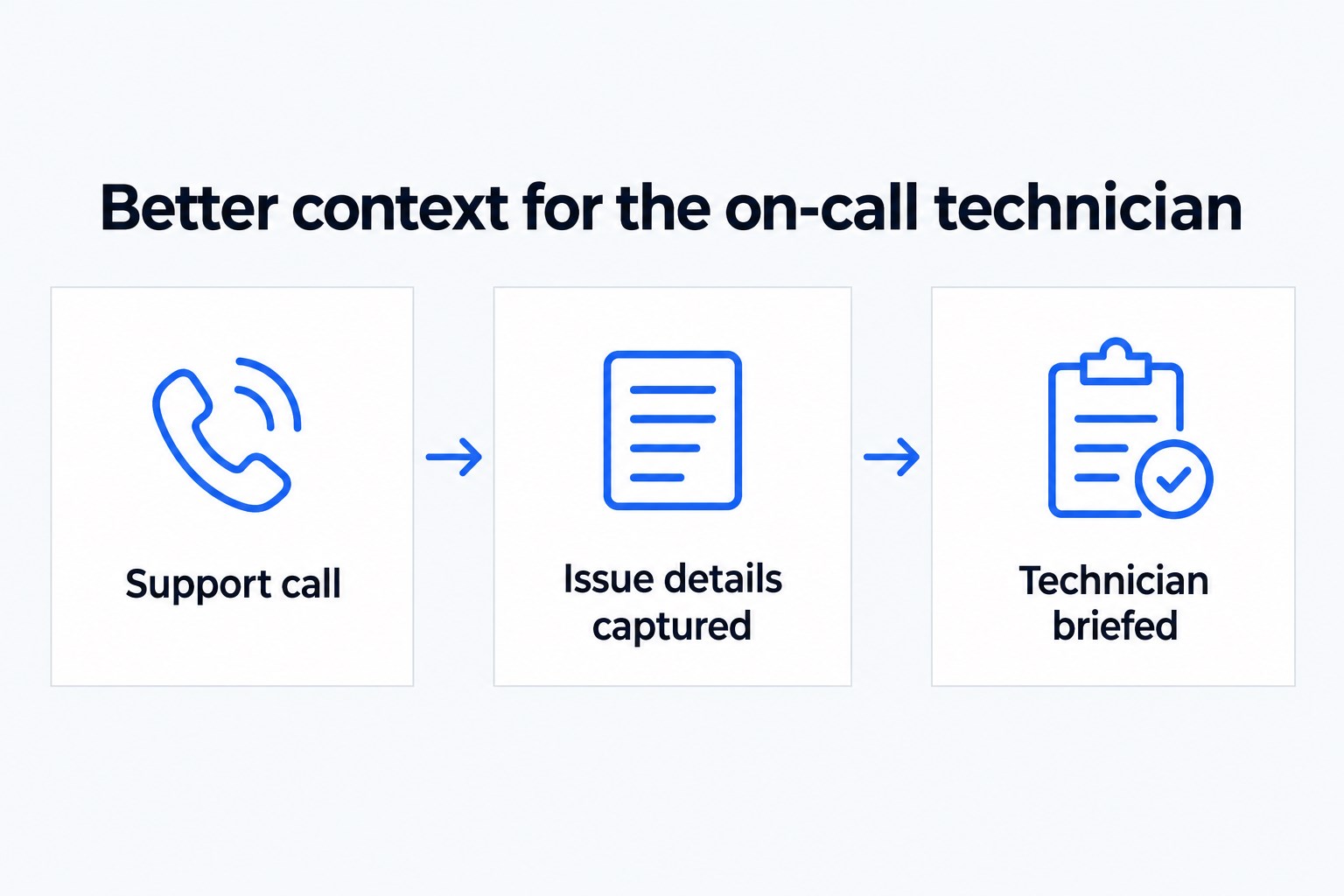
- 01 →
Capture the issue
Ask who is affected, what stopped working and how to call back.
- 02 →
Use your support rules
Confirm permitted Autotask actions during setup.
- 03
Reach the on-call team
Use a private briefing and a backup group if needed.
Illustrative workflow. We confirm the connected actions and permissions for your setup before launch.
Make the first conversation useful to a technician
“The system is down” is a starting point, not enough information to act on. Your Smart Receptionist Agent™ can ask which business is calling, which service is affected, how many people are affected and when the problem started. Your team chooses the questions and what counts as an urgent handoff.
For an MSP using Autotask, the value is a more consistent intake conversation attached to an agreed workflow. We confirm the available account access and actions before launch. Do not read “Autotask integration” as a promise of automatic ticket creation, ticket updates or service-level tracking for every account.
A practical example: an office cannot take payments
An office manager calls after hours because staff cannot take payments. The agent captures the business name, a callback number, the affected service and the caller’s description. It follows your escalation rules rather than inventing a diagnosis. The on-call technician hears the situation privately before taking the call.
If the technician does not answer, the backup group gets the next opportunity under your routing rules. Your approved fallback tells the caller what happens next. An AI summary after the call gives the team a starting point for follow-up, without pretending that a technician has already investigated.
Agree what the Autotask connection will do
- Pick the records and actions needed for the first workflow.
- Decide how a caller is matched to a company or contact.
- Define what happens when a match is missing or uncertain.
- Check where the captured issue details will be available to staff.
Bring your existing intake form or support script to the build call. We can keep the first launch focused on reception and escalation, then separately scope additional actions. An uncertain match should lead to a clarification or human review, not access to a different company’s information.
Test the exception paths
Test a caller with a clear company name, one with an unfamiliar name and one describing a sensitive security issue. Also test a holiday and an unanswered escalation. The agent should capture facts and follow your approved handoff rules; it should not reset passwords, unlock accounts or promise a resolution time.
Your technicians remain responsible for diagnosis and remediation. We build, connect, launch and tune the intake so they receive a clearer request.
Common questions
Can it reset passwords?
No password-reset or account-unlock capability is claimed. The agent captures the request and hands it to your approved support path.
Does this include ticket creation?
Autotask is verified, but individual ticket actions must be confirmed and tested for your setup. Do not assume them from the integration name.
Can an on-call technician receive the call?
Yes. We can configure warm transfer with a whisper briefing, hours and holiday routing, and a backup group.