Integrations / Done for you
OneCrew AI call intake for contractors
Quick summary
We build your contractor call intake and connect the agreed OneCrew workflow. OneCrew is a verified integration for field-service and paving or asphalt businesses. Your agent can collect the project details you approve and warm-transfer a caller, while estimators keep control of quotes and project decisions.
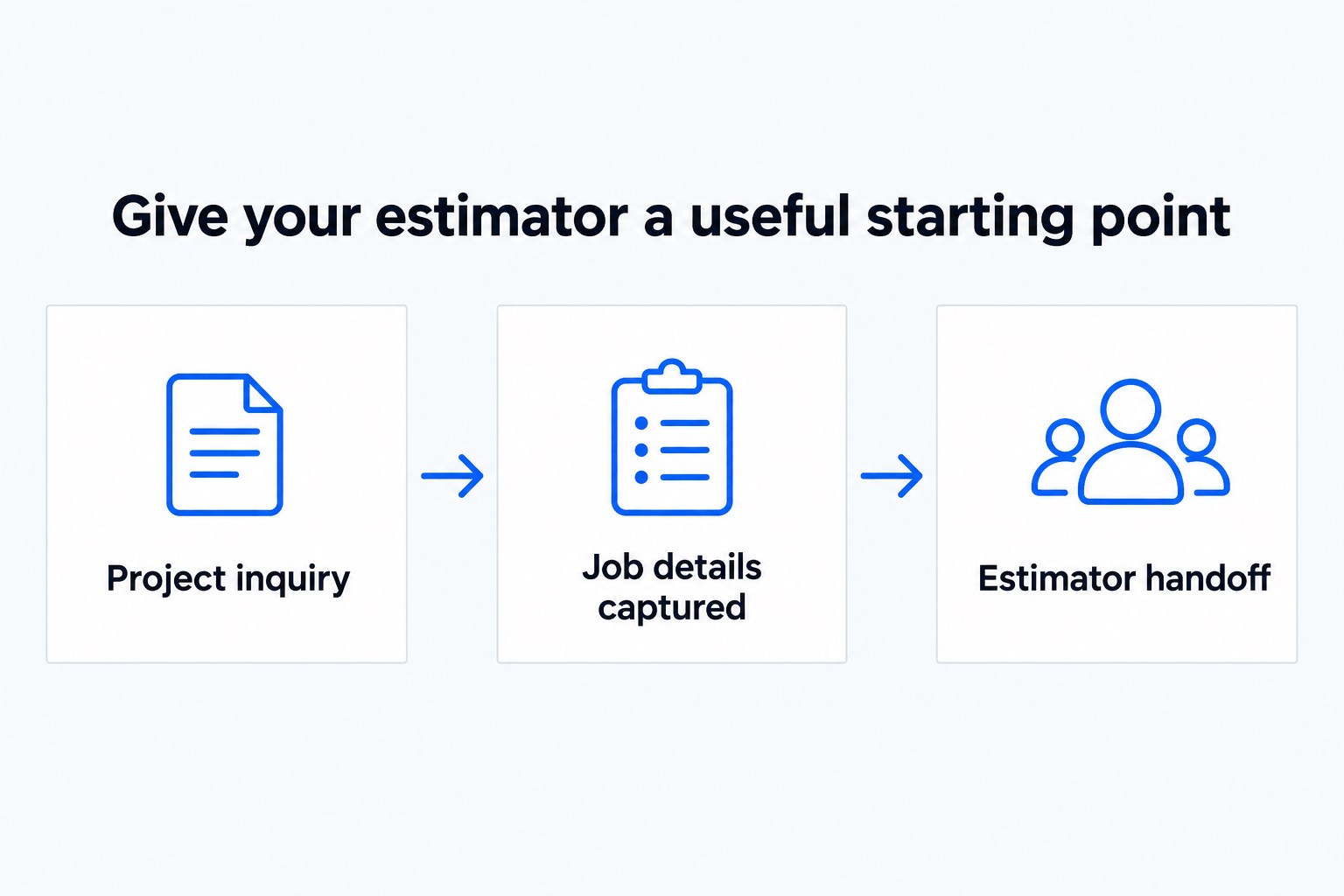
- 01 →
Capture the project request
Ask about the location, job type and desired next step.
- 02 →
Follow the OneCrew scope
Confirm the connected records and actions during setup.
- 03
Reach the right estimator
Brief the recipient and summarize what still needs review.
Illustrative workflow. We confirm the connected actions and permissions for your setup before launch.
Give an estimator more than a missed-call number
A paving inquiry can arrive while the crew is working and the estimator is driving. The first conversation should establish where the job is, what the caller needs and how to reach them. We build your Smart Receptionist Agent™ around those practical questions.
OneCrew is a verified integration, but the exact connected actions depend on the build we agree with your team. We do not promise automatic estimates, scheduling, dispatch or project updates just because OneCrew is connected. Start with the information your office needs to decide who should respond.
A practical example: a parking-lot estimate request
A property manager calls about resurfacing a parking area. The agent asks for the site location, a description of the work, the caller’s contact details and the requested next step. Your approved questions can distinguish a new estimate request from a question about work already underway.
The agent should not invent measurements, recommend a scope or quote a price. A warm transfer lets an estimator hear a private briefing before speaking to the caller. If no one answers, your backup rules and AI call summary help the office pick up the request.
Scope the connection around the office’s workflow
- Show where new inquiries are reviewed in your current process.
- Choose the OneCrew records and actions needed for that first step.
- Define how to handle a caller with an existing project.
- Decide who checks incomplete locations or unclear job descriptions.
Bring your service area, job categories, business hours and transfer contacts. Specify what the agent should say when a job falls outside your area or needs a site visit. A captured request should be described as a request, rather than a scheduled crew visit or accepted job.
Test the calls that interrupt the day
Test a new estimate, an existing-project inquiry, an out-of-area request and a call on a holiday. Review whether the summary gives the office enough information to respond and whether the transfer goes to the intended person. Check the agreed OneCrew action against a sample record before launch.
Your estimators and project staff remain responsible for scope, price and delivery commitments. We build, connect, launch and tune the first conversation so those people can start with better information.
Common questions
Can it prepare an estimate?
No automatic estimating capability is claimed. The agent collects your approved details and directs the request to your team.
Which OneCrew actions are supported?
OneCrew is verified. We confirm and test the specific records and actions for your workflow before launch.
Can it handle calls after the office closes?
Yes. The receptionist can answer after hours, with routing by hours and holidays and an approved backup path.