Integrations / Done for you
MyCase AI receptionist integration
Quick summary
We build and manage your AI receptionist around your firm’s intake process and MyCase workflow. The MyCase integration is verified; the precise records and actions are confirmed during setup. Callers get a clear next step, while your staff keep control of legal questions and case decisions.
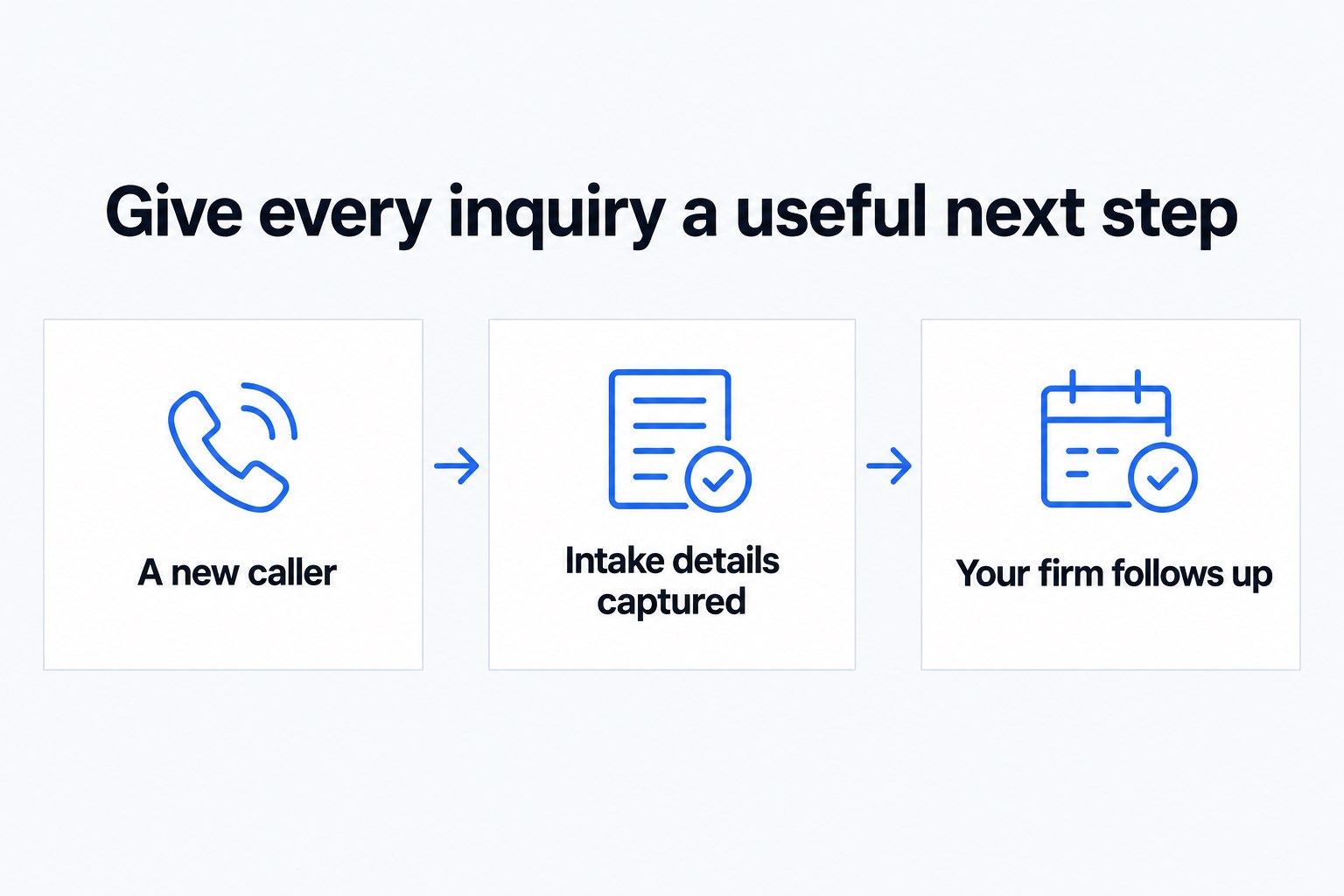
- 01 →
Capture the reason for calling
Separate a prospective client from an existing matter.
- 02 →
Follow your intake rules
Collect only the details your firm wants at first contact.
- 03
Send a useful handoff
Brief staff privately and summarize the conversation.
Illustrative workflow. We confirm the connected actions and permissions for your setup before launch.
Start with the front desk’s actual job
Your front desk should not have to reconstruct every conversation from a name and phone number. For a MyCase firm, start by deciding what a useful first-contact record looks like: who called, why they called, whether they are already a client and who should respond.
Next Gen Calls connects MyCase as part of a done-for-you build. We confirm which records and actions can be used for your particular intake process before committing to them. We do not assume that an integration name means the agent can change case details, send invoices or access every document.
A practical example: a referral calls during a meeting
An attorney has referred someone to your firm. Your receptionist agent can ask the caller’s name, contact details, general reason for calling and preferred callback time. It follows the screening questions your firm approves, then offers the next step you have chosen. If that step involves a calendar, we scope the booking connection separately.
The attorney receiving a warm transfer hears a short whisper briefing before joining the caller. If nobody answers, the backup path follows your firm’s rules. The AI summary helps staff distinguish a new referral from a current client asking for an update.
Specify the MyCase boundary before launch
- Show us how an inquiry becomes a client in your current process.
- Identify the approved destination for captured caller details.
- Confirm permitted read and write actions with a sample record.
- Assign a staff member to review uncertain or incomplete information.
An existing-client call needs particular care. Do not use a caller’s name alone as permission to discuss a matter. Agree what identification your firm needs and what the agent should say when it cannot confirm the caller. Staff should handle sensitive case details and any decision that changes a client’s position.
What we test with your team
We test a referral, a current-client inquiry, an unwanted call and a call that reaches nobody. Check the questions, pronunciation, transfer briefing and summary rather than just whether a call connects. Then check the approved MyCase action against the actual sample record. A successful greeting is not proof that the connected workflow is complete.
Keep legal advice and conflicts decisions with your attorneys. We tune the greeting, questions and handoff around the feedback from your firm.
Common questions
Is MyCase supported?
Yes. MyCase is a verified integration. The exact actions and data access for your firm are agreed and tested during setup.
Will the agent change case information?
Do not assume any case write action is included. We confirm each permitted action before launch and keep sensitive decisions with your staff.
Can it work outside office hours?
The receptionist can answer after hours. Your firm chooses the questions, routing and fallback for evenings and holidays.